Manipulation - Part II
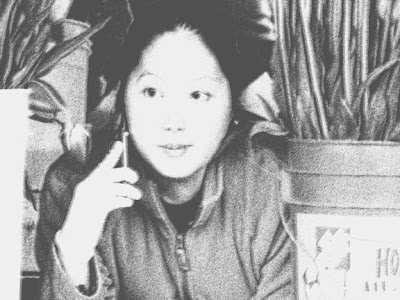
Besides the trick I showed you in Manipulation - Part I What else can you do to photographic images to give them new identities? You remember the original, I'm sure. Now in an altered universe, new options. Manipulated with Photoshop CS2 Filters> Sketch>Graphic Pen Desaturate Increase gamma Photoshop CS2 Filters>Artistic> Poster Edges Fine tune with Image>Adjustments>Exposure Just for comparison here's the MS Digital Image Pro poster edges filter - a very different result! I made a few changes to the sliders using enhancements to the Poster Edges filter. If you like the chalk/pastel look, this is done with MS Digital Image Pro Filters> Chalk Opaque. It's a little softer, but very close to the original in color and feel. If you want a more "painterly" look, we can switch to Corel Painter Essentials 4 and play with that. You can "autopaint" to get a watercolor look or, if you prefer, an oil painting look (a little crude by my standards...